
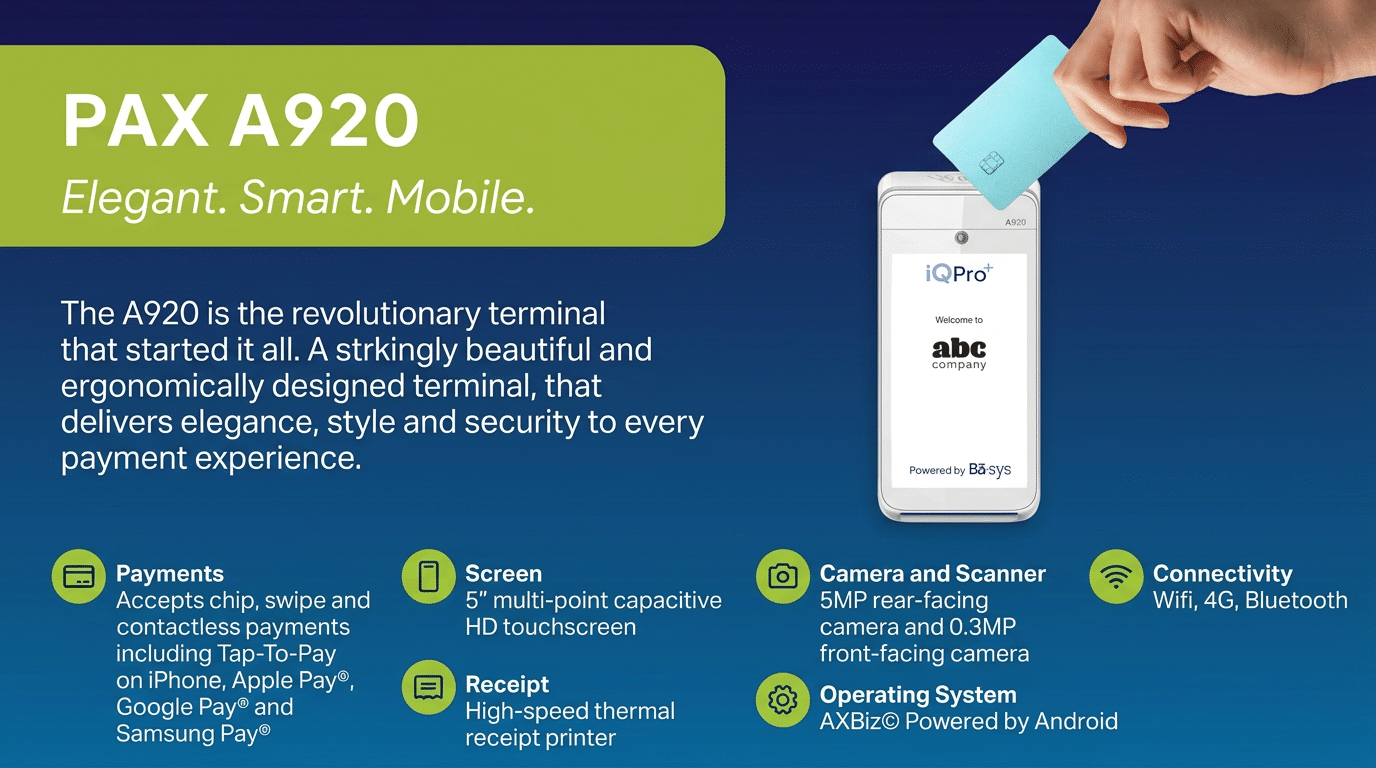
PAX A920

Click Icon to Download
Card Transaction - Sale
- Press 1 for Sale.
- Press 1 for Credit or press 2 for Debit (if enabled).
- Enter the sale amount and press Enter.
- Swipe, insert, tap, or key in the customer’s card number.
- (Optional) Press 2 for a customer copy.
Card Transaction - Void
- Press 3 for Void.
- Press 1 to select No for Void Pre-Auth.
- Press 5 to search by card number or choose from another available search option.
- Enter the last 4 digits of the card number and press Enter or swipe the card.
- Select the appropriate transaction using the arrow keys and press Enter.
- Press 2 to confirm voiding the transaction.
- (Optional) Press 2 for a customer copy.
Card Transaction - Return
- Press 2 for Return.
- Press 1 for Credit.
- Enter the return amount and press Enter.
- Swipe, insert, tap, or key in the customer’s card number.
- (Optional) Press 2 for a customer copy.
Reprinting Receipt
- Press 7 for Other.
- Press 3 for Reprint.
- Press 1 for Last Receipt or press 2 to search.
Last Receipt
Press 1 for merchant copy, press 2 for customer copy, or press 3 for both.
Search
- Press 1 to select No for Reprint Pre-Auth.
- Press 5 to search by card number or choose from another available search option.
- Enter the last 4 digits of the card number and press Enter.
- Select the appropriate transaction using the arrow keys and press Enter.
- Press 1 for merchant copy, press 2 for customer copy, or press 3 for both.
Tip Adjust
- Press 1 for Sale. 1. Press 5 for Tip Adjust.
- Press 5 to search by card number or choose from another available search option.
- Enter the last 4 digits of the card number and press Enter or swipe the card.
- Select the appropriate transaction using the arrow keys and press Enter.
- Enter the tip amount and press Enter.
- Press Enter to confirm the tip adjustment.
- Press 1 to exit tip adjustment or press 2 to adjust the tip of another transaction.
Settlement/Batch
- Press 6 for Settlement.
- Press 2 to Close the Batch and deposit funds.
- Press 2 to print the report or wait 15 seconds for it to print automatically.
Report
- Press .,#* for the Admin Menu.
- Press 1 for the Reports Menu.
- Select a report, and any subsequent options.
- Press 1 to print the report or press 2 to display the report.